
Sidekick by plain
Your new 24/7 support intelligence
Sidekick researches, drafts, and executes what you need, so you can focus on what matters.





I'm such a massive fan of Sidekick. I am absolutely blown away — this product direction is 100% aligned with how we're evolving our support team!

Dean Sliney
Head of Support Engineer, Mintlify
As hands-on as you need. As hands-off as you like.

Ad-Hoc
Ask anything, anywhere. Sidekick investigates and delivers with context.

Automatic
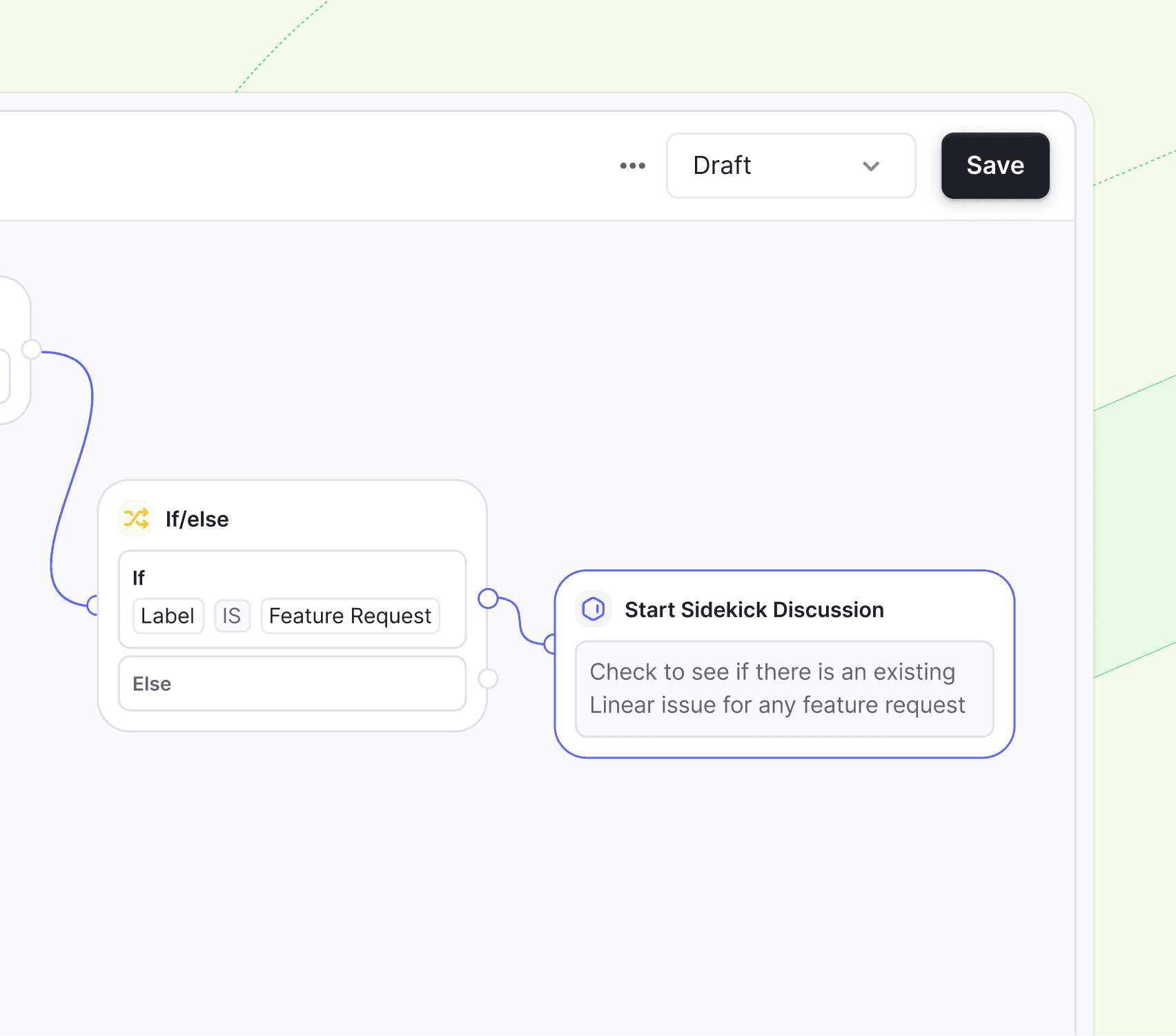
Trigger Sidekick to act on certain threads and tasks when needed.

Scheduled
Let Sidekick work while you sleep. Use it for recurring tasks and briefings, 24/7.
Intelligence you can take anywhere.
Sidekick helps you easily investigate threads, find answers, and automate busywork.


There’s a tool for that.
All your favorite tools integrated into one platform. Sidekick handles the rest.
Knowledge Gaps
"Draft a help center doc based on most common product questions."
Meeting Prep
"Catch me up on Acme's latest demo call. How did it go?"
System Health
"What's behind this recent spike in alerts in the past 24h?"
Customer Update
"Where is Acme Co. in their onboarding process?"
Product Updates
"What product updates have we've shipped this past week?"
Triage Threads
"Flag any feature requests made by Enterprise Users."
Product Updates
"What product updates have we've shipped this past week?"
Sentiment Analysis
"Where do things stand with this account?"
Code Investigation
"Investigate the 400s errors reported by these customers."
Daily Brief
"Update me on important threads and new bugs since I was away."
Product Knowledge
"How does our new payment plan affect enterprise customers?"
Product Impact
"What was the adoption rate and feedback for last week's launch?
Sentiment Analysis
"Where do things stand with this account?"
It's very convenient for understanding context and digging into past information. Since the open banking space is very broad, having a tool that can efficiently sort data like this is a big plus.

Caleb Moses
Technical Support Engineer, Yapily
Questions
and answers.
Everything you need to know before getting started with Sidekick.
Can Sidekick respond to customers autonomously?
Sidekick can suggest a draft reply, but a teammate must review it and click Send. It cannot send messages to customers on its own, and this behavior cannot be changed at the moment.
How do I control which actions Sidekick can take?
What data can Sidekick access, and how is it protected?
How long does it take to set up Sidekick?
Is Sidekick SOC 2 and GDPR compliant?